So the stuff that fits in LAS it really doesn’t actually matter how you store it. If you’re used to clipping into something like Bear, there’s no reason to stop doing that.
Let’s look at a concrete example: receipts. Because there’s another split to consider: there’s how do I store this stuff (clipped to Bear vs. filesystem) and there’s also does it fit in LAS? Because it’s important to remember that the Life Admin System is called that and not the Literally All Of The Things You Could Possibly Store system. We’ll get to that later.
For now, LAS does have 13.31 Purchase receipts and that’s where this stuff should go. So how should it be organised? You’ve got a bunch of options – and some of these are Bear-specific, i.e. it would look different if you did it in Obsidian, say.
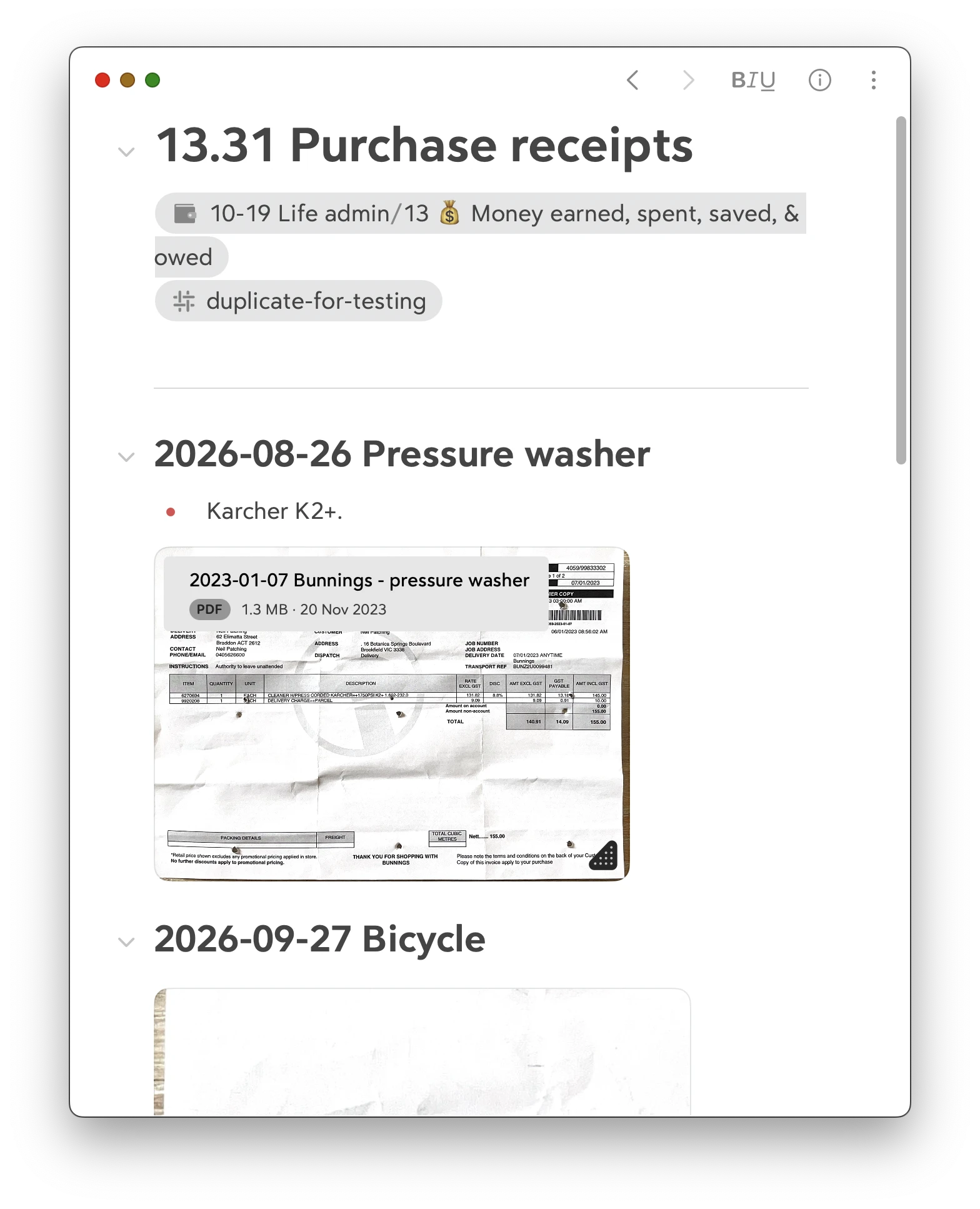
One Bear note with attachments
I don’t see why you couldn’t store all of your receipts in one Bear note. Use headings for each thing, add a bit of searchable text, drop in the PDF.
– but I wouldn’t do this. It just feels clunky.
One Bear note with references
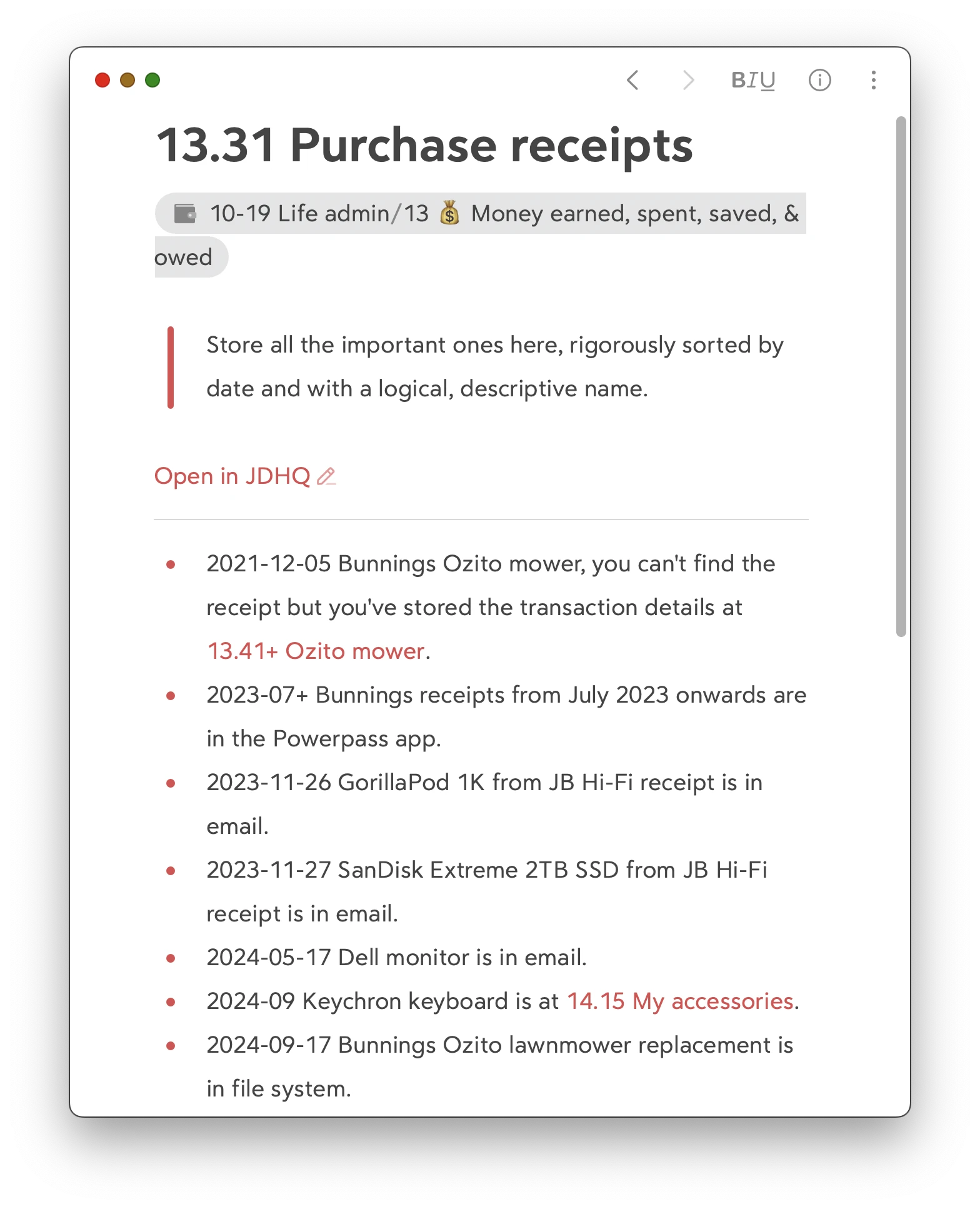
Alternatively, use a single Bear note but reference the receipt, which is in your filesystem.
This is what I naturally did, without thinking too much about it. (I only keep personal receipts for items that I might need e.g. for warranty, return; if you keep every receipt, this story gets more complicated). Here’s my actual note.
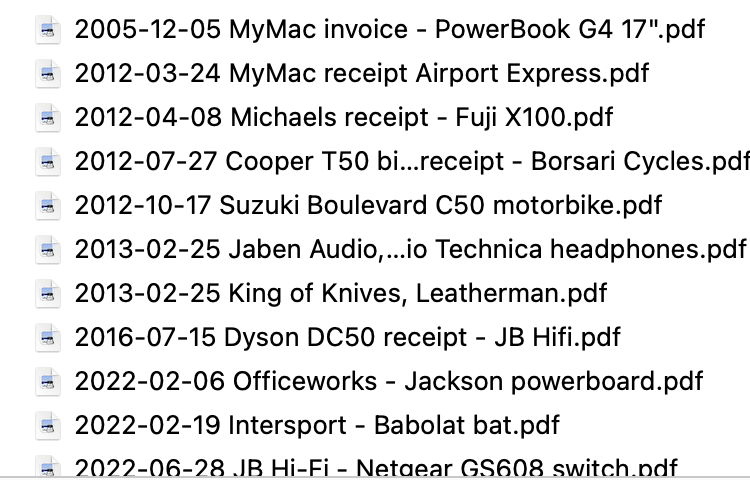
You can see how this allows me to tell myself that receipts are in different places – an app, my email, in the filesystem, etc. Here’s my 13.31 Purchase receipts folder.
Obviously, this is what I do. It’s easy, it’s low-friction. The PDF receipt in the filesystem is the canonical thing: if I forget to make a note in my JDex, meh, I’ll still find it.
Other than grouping receipts by year-folder, don’t try to organise this folder. The date is enough. Spotlight will find a specific receipt if you can’t.
One receipt per Bear note
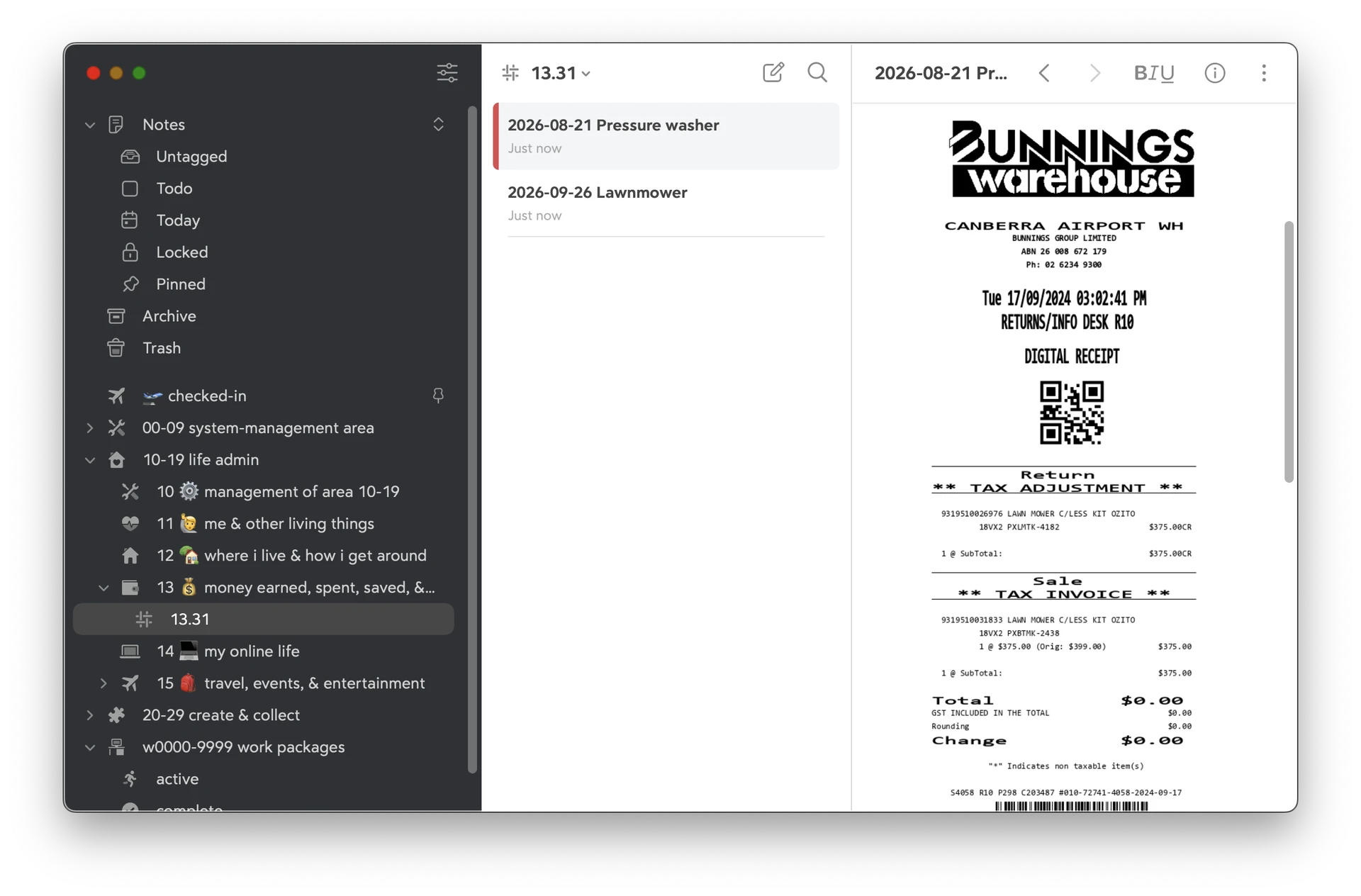
Your confusion might be coming from this idea? You might like to create one Bear note per receipt. Clipping software probably defaults to this behaviour. Which is a perfectly fine thing to want.
The problem is that Bear has this unique way of organising stuff by tag. So in order to ‘file’ these receipts neatly, you need to assign them a tag. I’d just extend the existing tag like #10-19 Life admin/13 💰 Money earned, spent, saved, & owed/13.31# and with that you end up with:
There isn’t a ‘correct’ answer
This is obviously a matter of choice. How often do you need to reference these receipts? If often, having a flat list of PDFs in a folder is simplest. If infrequent, the Bear way might work.
Some stuff isn’t LAS
That was very receipt-specific, because we had 13.31 Purchase receipts already.
It’s important to realise that LAS was not designed to contain everything in your life. We can’t possibly know what hobbies or clubs or jobs or other extracurricular things you do.
My favourite example is that I used to be a marriage celebrant. So where in LAS would I put the paperwork to do with the fact that I’m marrying a couple this weekend?
A: not in LAS. This isn’t ‘life admin’. This is ‘Johnny being a wedding celebrant’. This needs its own area with its own categories, which is what I had.
So then the question of ‘how to file notes’ becomes very context-dependent, but basically you’ll need an ID for the thing you’re filing, and then the notes above should still be broadly relevant.
Does that help?